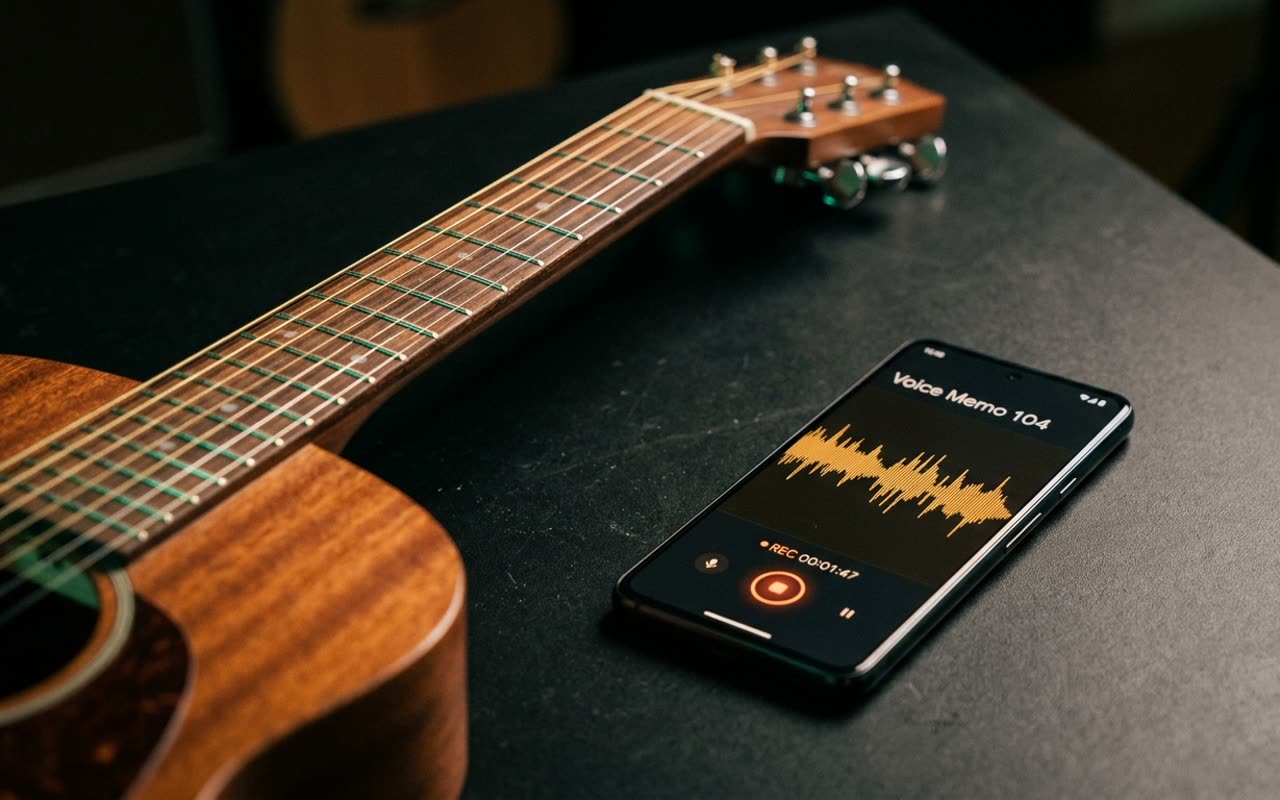
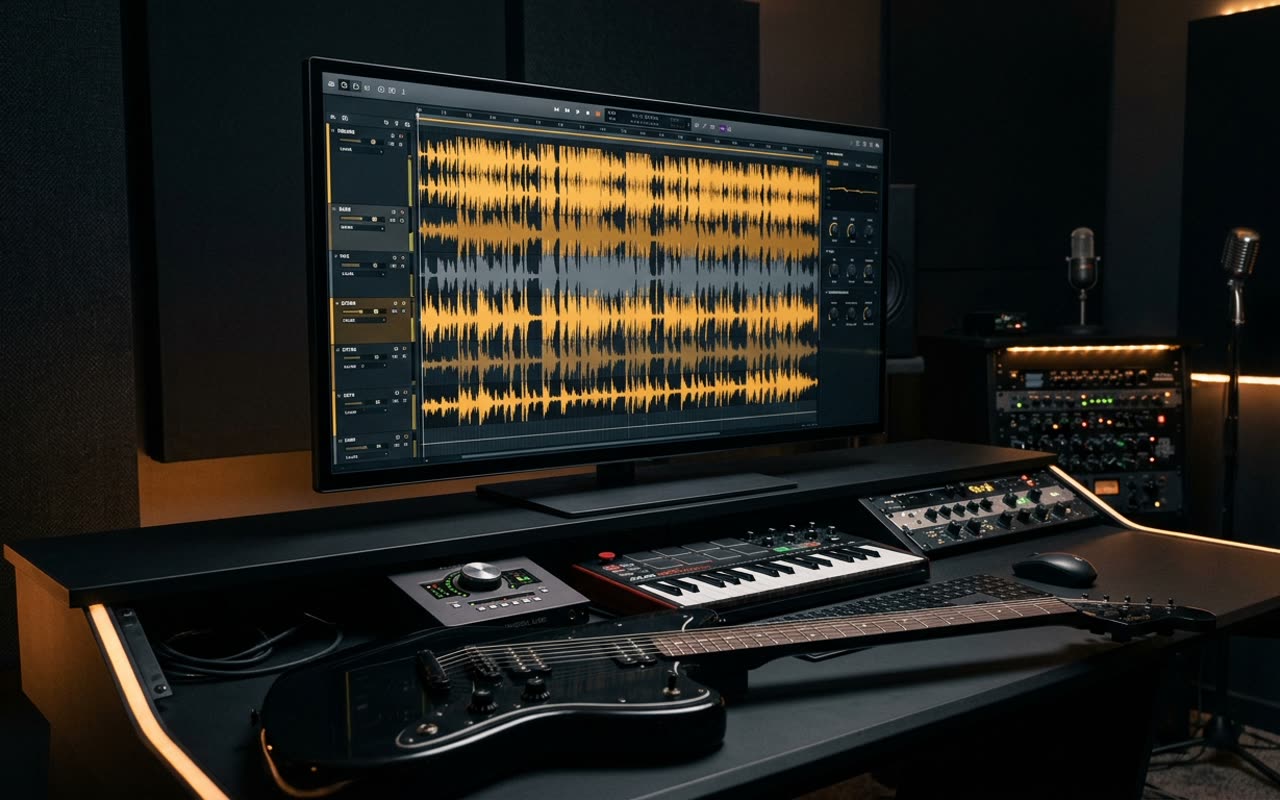
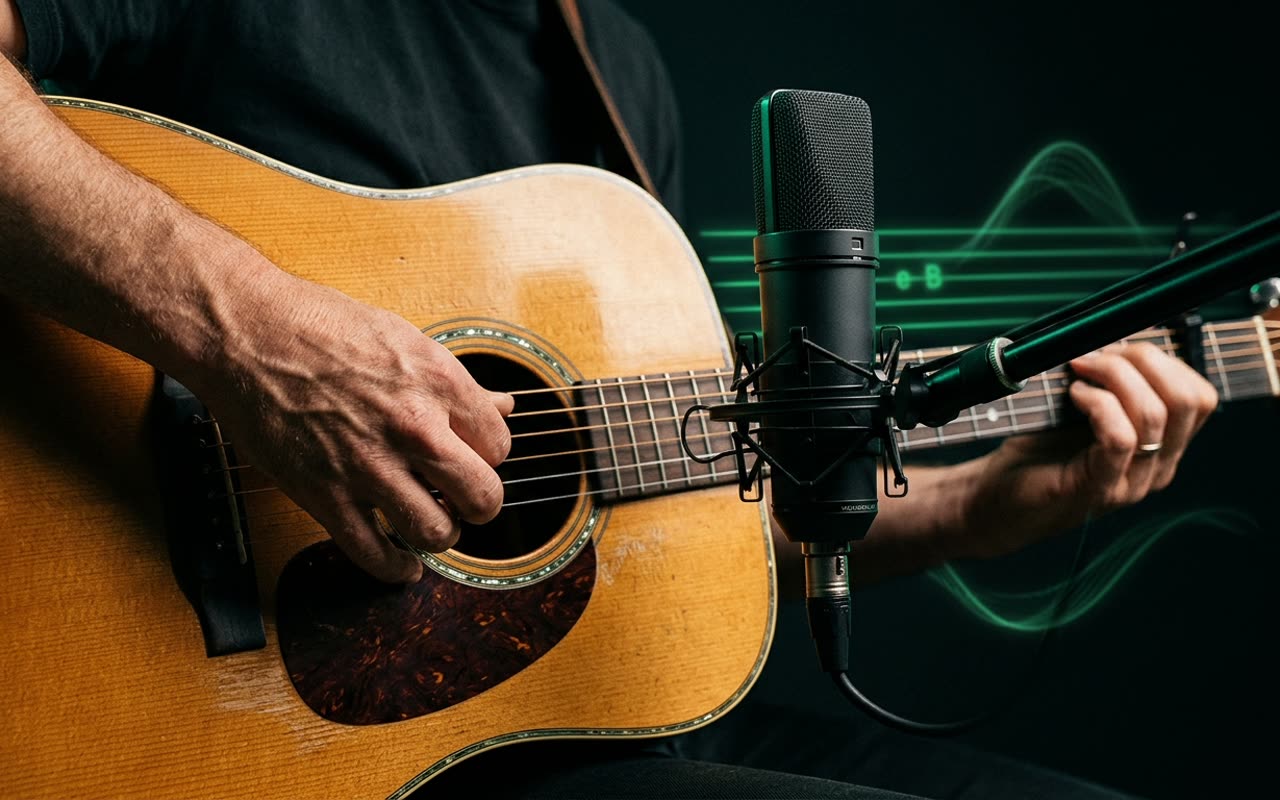
Direct Mic & Voice Memos
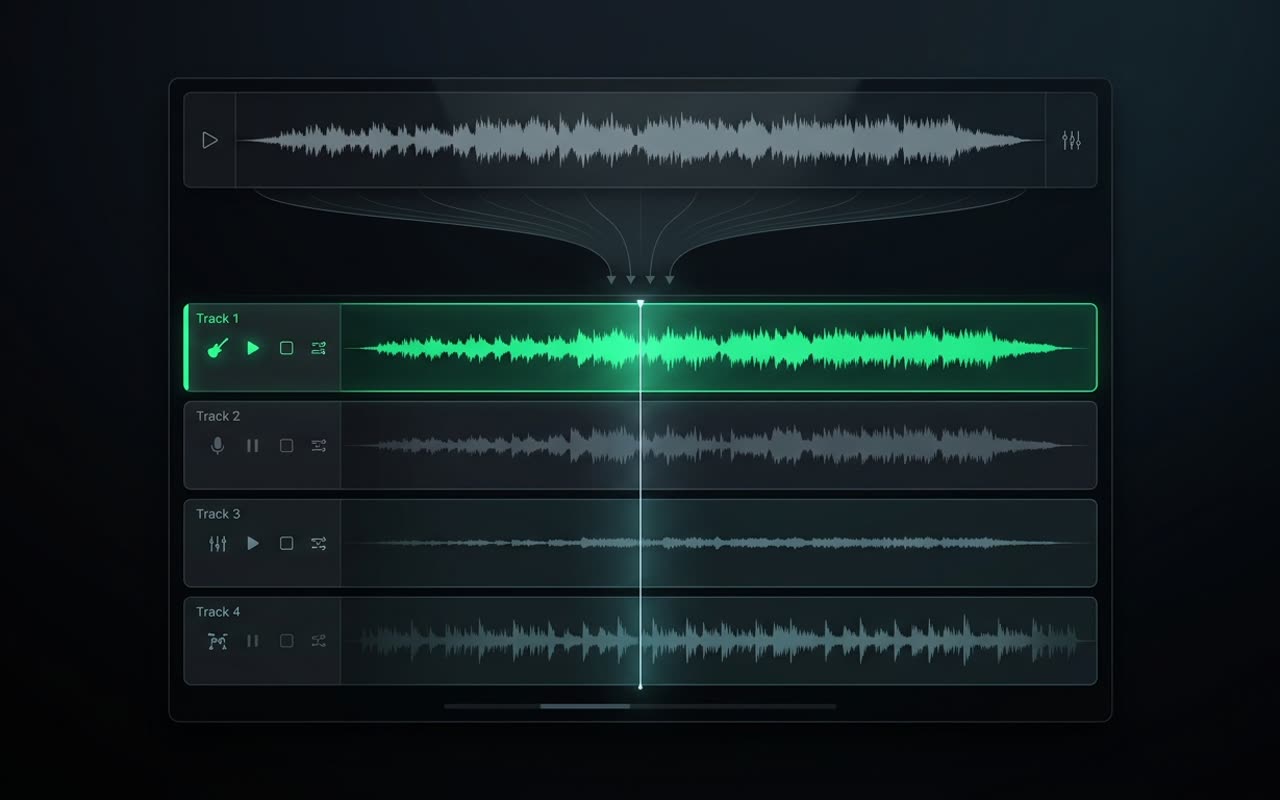
Play straight into your laptop or phone microphone, or drop an existing voice memo. Solo recording mode skips band separation for crisp guitar to tabs speed.
Record a Guitar RiffCapture every acoustic riff, solo phrase, and voice memo before you forget it—record or drop your take to convert guitar to tabs with editable fret positions.
Sunrise Acoustic Riff
G major · 108 BPM · 4/4 · Standard E
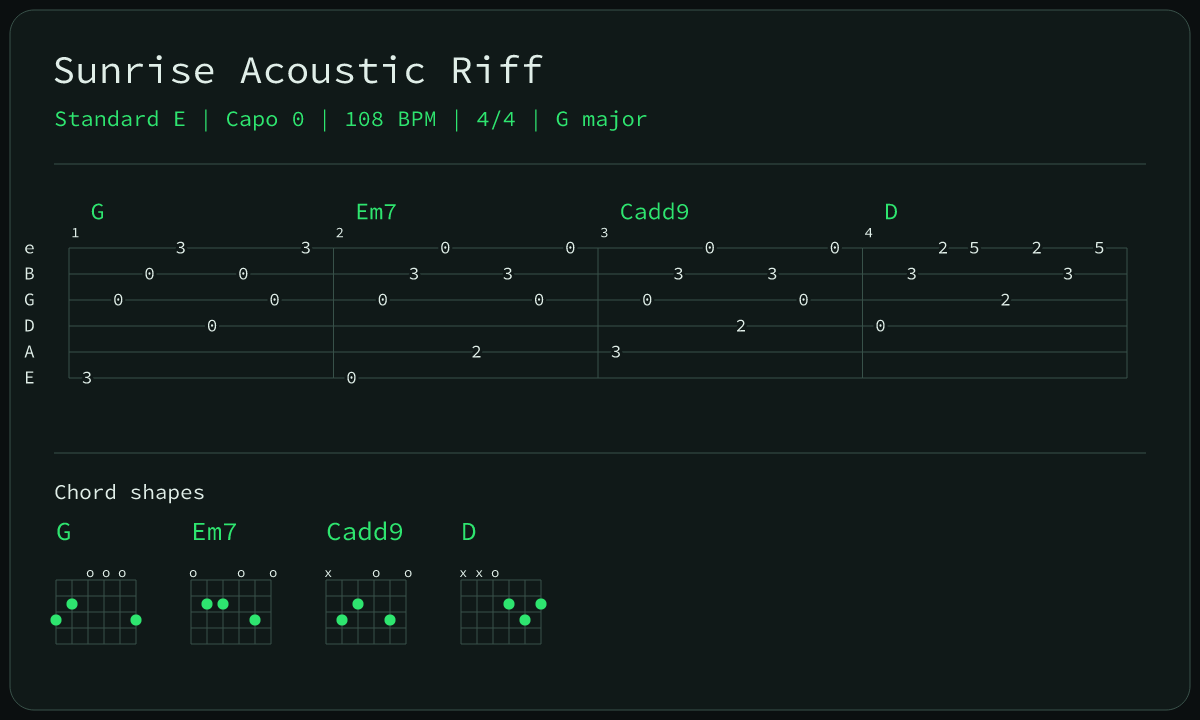
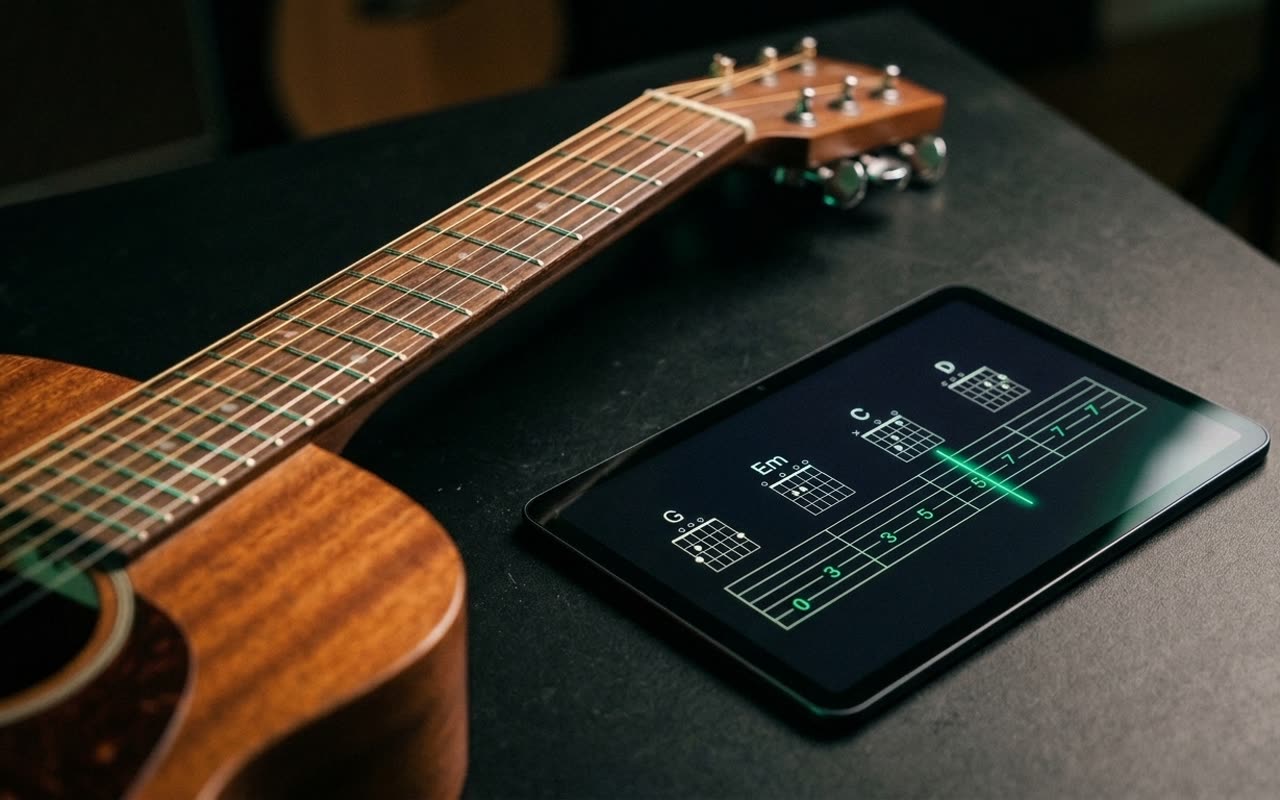 Raw Guitar TakeEditable 6-String Tab
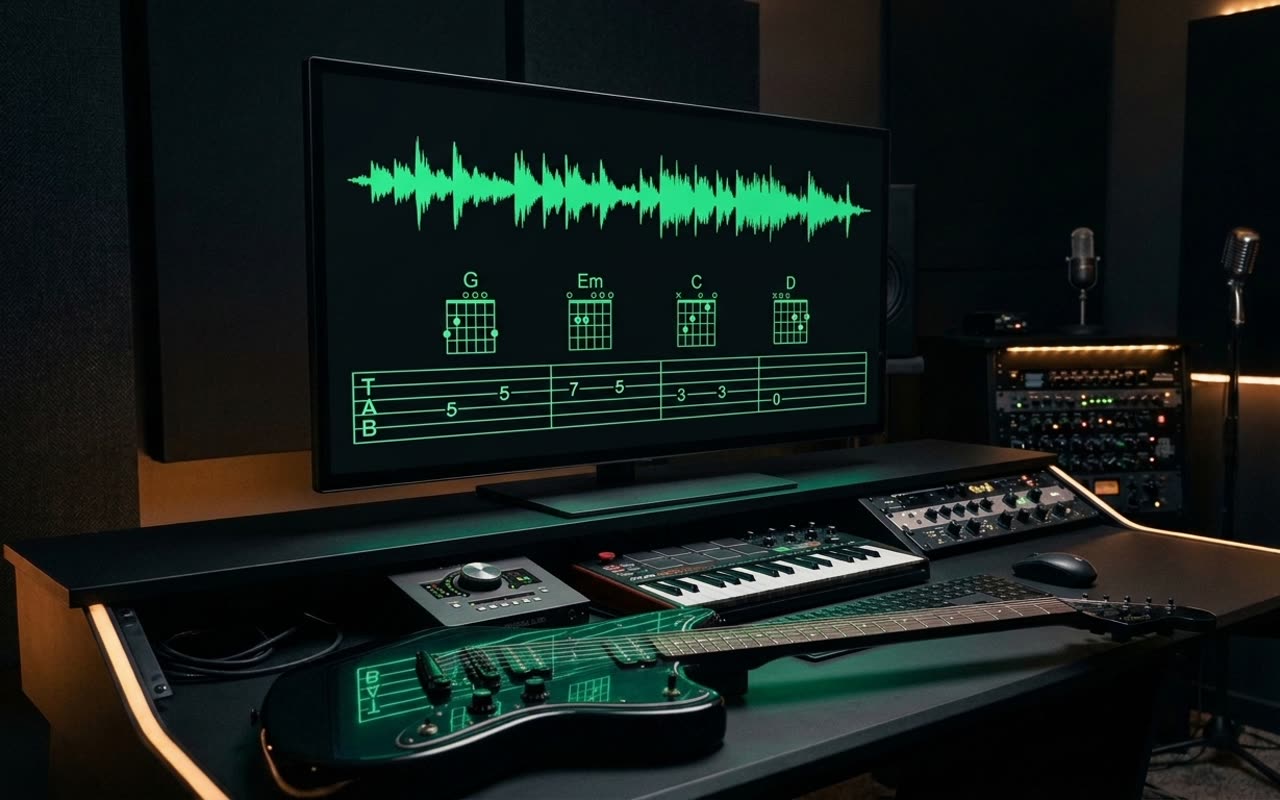 Raw Guitar TakeEditable 6-String Tab
Turn late-night phone recordings into structured bars and chords
Direct interface takes transcribe fast runs with tight beat alignment
Play straight into your laptop or phone microphone, or drop an existing voice memo. Solo recording mode skips band separation for crisp guitar to tabs speed.
Record a Guitar RiffStop scrolling through hundreds of unnamed phone recordings trying to remember how you voiced a chorus chord six months ago. Run guitar to tabs right after tracking a riff and save printable PDFs and MusicXML to your account library.
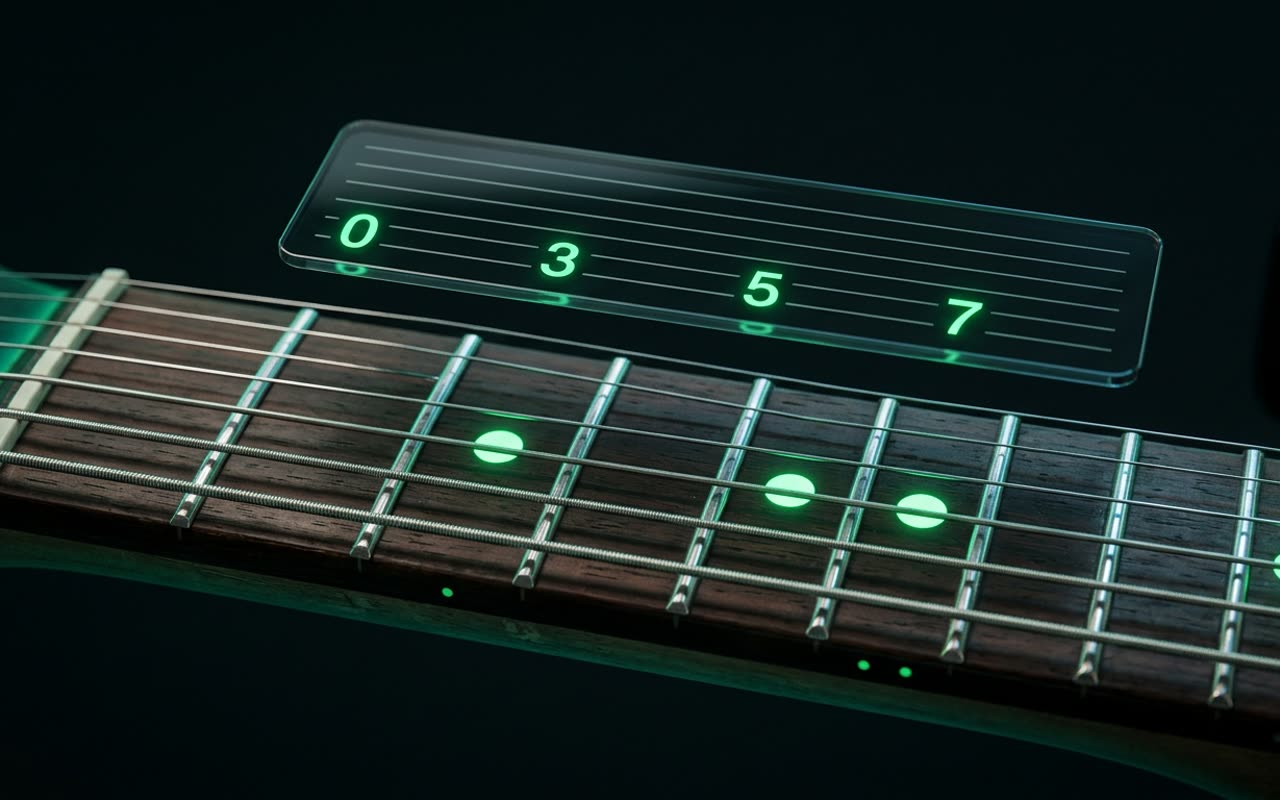
Polyphonic pitch detection tracks simultaneous bass thumb notes and plucked treble melodies on steel-string or nylon guitars, organizing multi-string arpeggios into readable 4/4 measures.
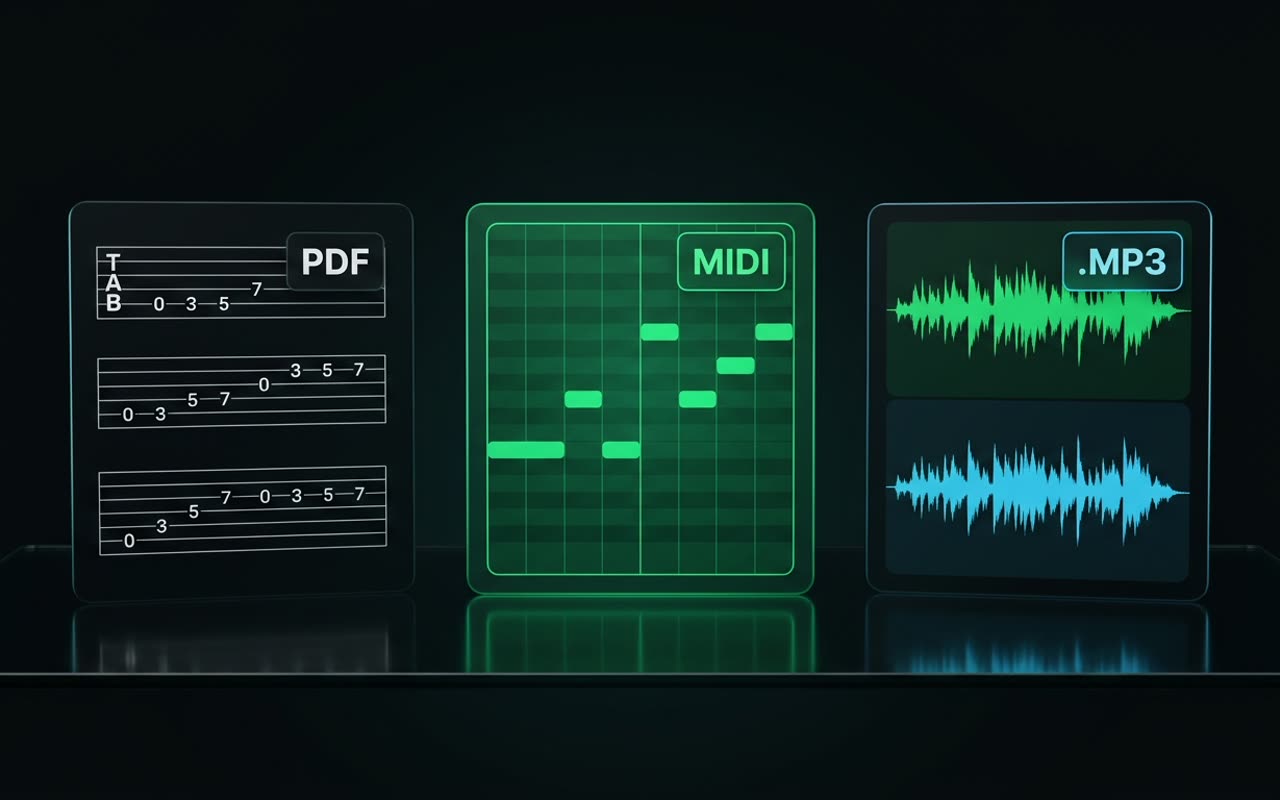
Record your rhythm and lead parts once, map your take in Drop D or Eb tuning, verify the chord boxes, and print clean rehearsal sheets before band practice.
Record a live acoustic or electric take in your browser, or upload a clean phone voice memo or audio interface bounce.
Select Solo Guitar mode, set your string tuning and capo fret, and run automatic pitch-to-fret mapping.
Play back your synced score, shift any note between strings to fit your hand, and export PDF, MusicXML, MIDI, or ASCII.
Clear smartphone voice memos recorded 20 to 40 cm from an acoustic guitar soundhole or practice amp capture clean fundamental pitches with very high accuracy. Keep room chatter, television noise, and heavy slapback delay off during recording so the polyphonic tracker locks onto chord voicings and single-note runs cleanly.
Yes—switch the input source to Record Mic in the workbench, grant microphone permission, and play through your laptop mic or USB audio interface. As soon as you stop recording, your take loads into the studio waveform ready for transcription with zero external recording software needed.
Record with a clean or light crunch tone whenever possible. Heavy high-gain distortion, chorus pedals, and pitch shifters compress dynamics and add dense harmonic overtones that can disguise note attacks. Tracking clean DI or low-gain amp tone gives the cleanest fret placement, even for metal riffs.
Because an E4 note exists on open string 1, fret 5 of string 2, and fret 9 of string 3, our guitar to tabs mapper uses ergonomic hand-position scoring rather than naive lowest-fret rules. Choose Open Chords, Lead Economy, or Fingerstyle before transcribing, or click any note afterward to flip it to an alternate string.
Playing near a steady pulse helps measure barlines align naturally, though a strict metronome click is not required. Audible loud metronome beeps bleeding into an open phone mic can register as high pitched notes, so use headphones if you practice with a click while recording.
Yes—downloading the MusicXML (.musicxml) package preserves exact string numbers and fret numbers inside standard technical notation tags. You can drop that file straight into Guitar Pro 7/8, MuseScore 4, or TuxGuitar for full desktop score engraving, or print the generated PDF immediately.
Creating a free account grants 90 permanent starter credits—enough for 3 complete guitar to tabs transcriptions (30 credits per recording) with full access to fretboard editing and exports. Browser playback, speed control, and manual fret adjustments on existing tabs never consume extra credits.
Drop a phone voice memo or record a live riff now—get 3 free transcriptions on sign-up and save playable PDF and MIDI charts.
Convert Guitar Recording